See it in action
A service visit, from request to receipt.
Explore the customer and contractor steps without registering or scheduling a sales call. These application screenshots use example data. This walkthrough does not create bookings or collect payments.
How CORTAN Connect works
Follow a service request from start to finish.
Choose a step to see what the customer and contractor do. No registration or sales call required.
Customer
Step 1 of 7
Start with the business they already trust.
The customer opens your contractor-branded booking page. Your identity and service choices come first.
Details for this step
- Share your business’s booking link.
- Show your service choices and diagnostic pricing.
- Keep the preferred contractor central to the request.
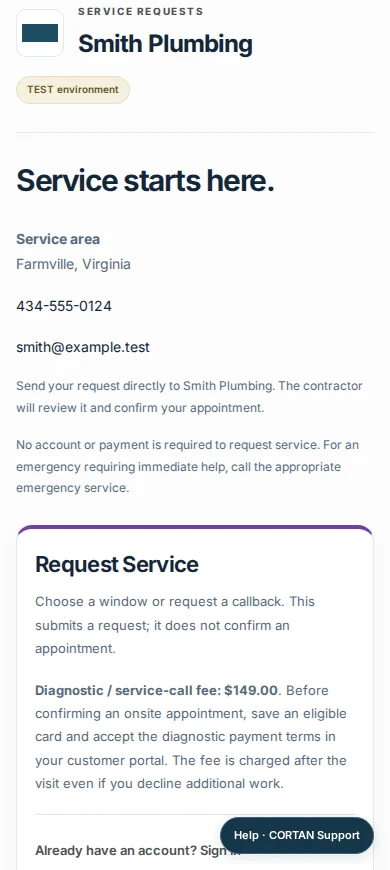
Guided walkthrough of actual CORTAN screens with demo data. This walkthrough does not book visits or collect payments.
Get started with your business.
Apply to discuss your workflow, business setup, and service terms.