CORTAN Connect for customers
Keep the contractors you trust.
Request service from your chosen business, follow the appointment, and keep the work and receipt with your property.
Get Customer UpdatesRequests & appointments
Know who is coming and what is confirmed.
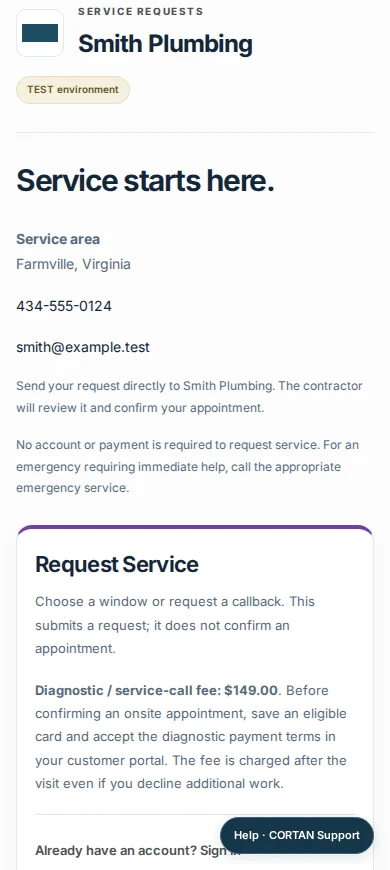
Open your contractor’s branded portal to describe a problem, review the diagnostic price, and check the next confirmed visit.
- Your contractor’s branding
- Structured service requests
- Appointment status
- Work proposals & approvals
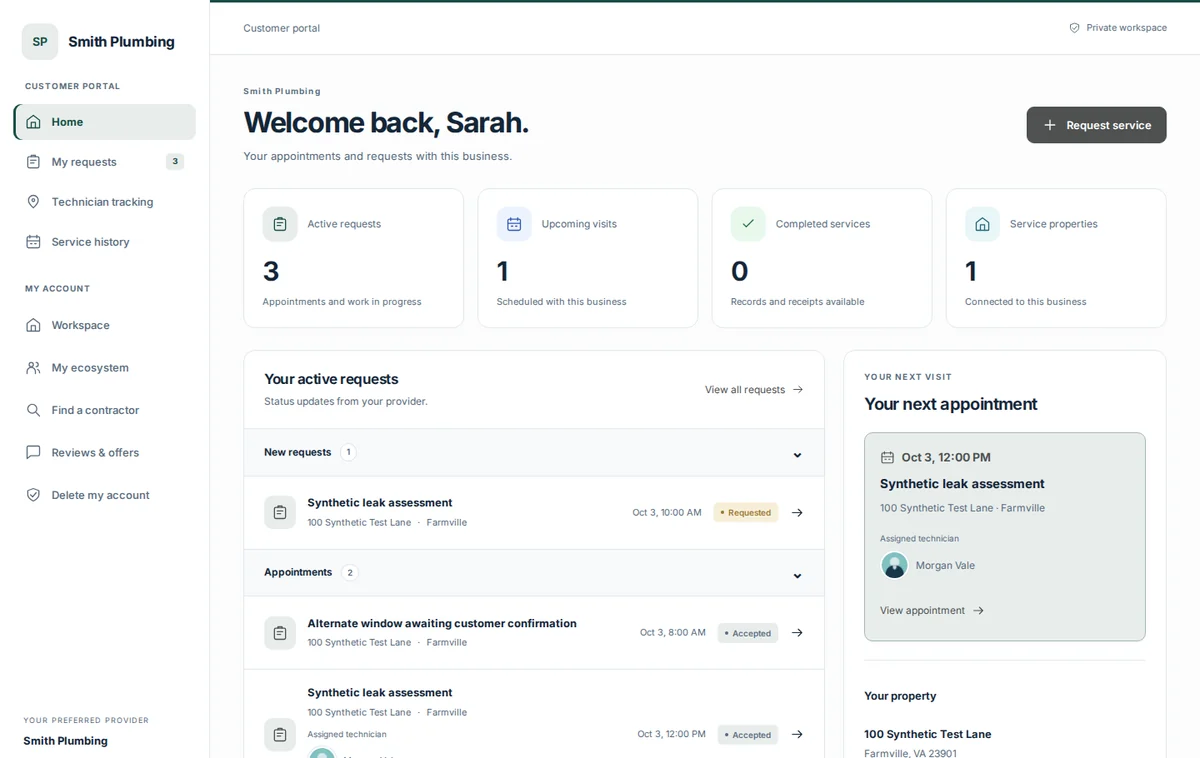
Product screens use example data.
Property & service records
Find the details when you need them again.
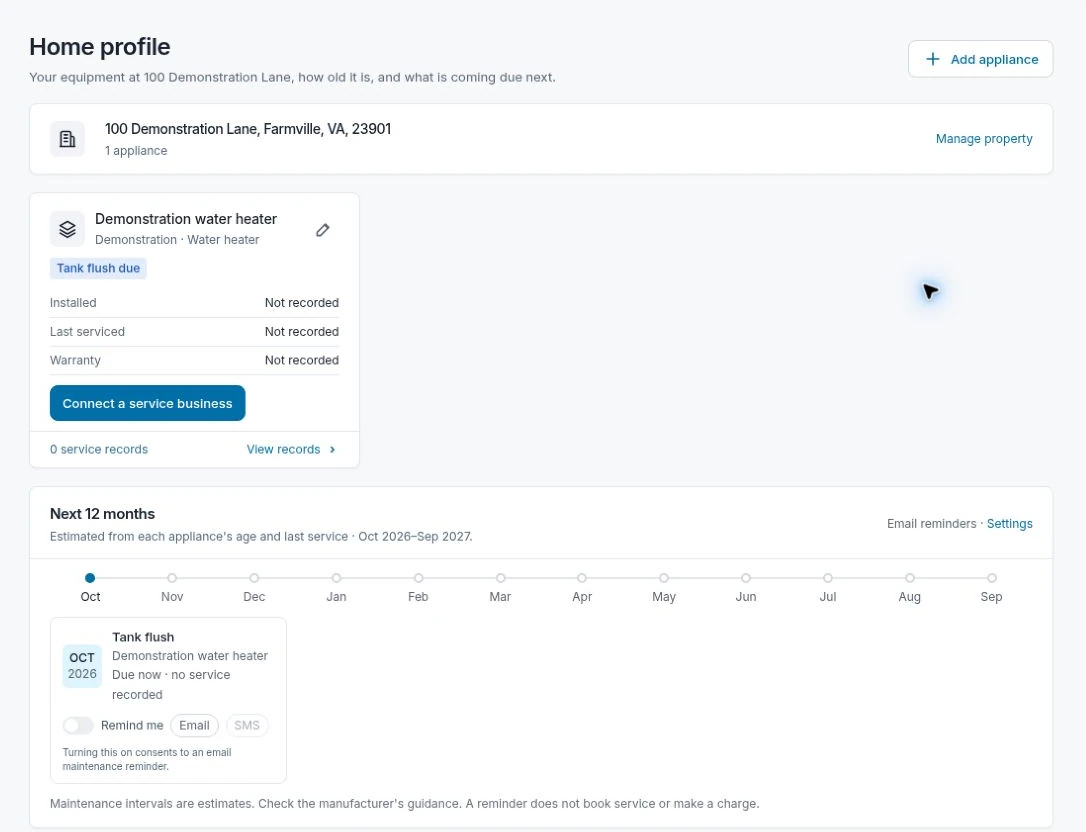
Keep preferred businesses attached to your properties. Return to saved appliance information, service history, and receipts instead of searching through messages.
- Properties & preferred businesses
- Saved appliances
- Service history
- Receipts & follow-up
Computer or phone
Check the visit or send a new request.
The responsive portal keeps requests, appointments, and property information available on a smaller screen.
Before additional work, review the recommendation and price, then approve, decline, or ask your contractor. Optional technician tracking appears only for an assigned visit when a current location is being shared.
Read the customer guide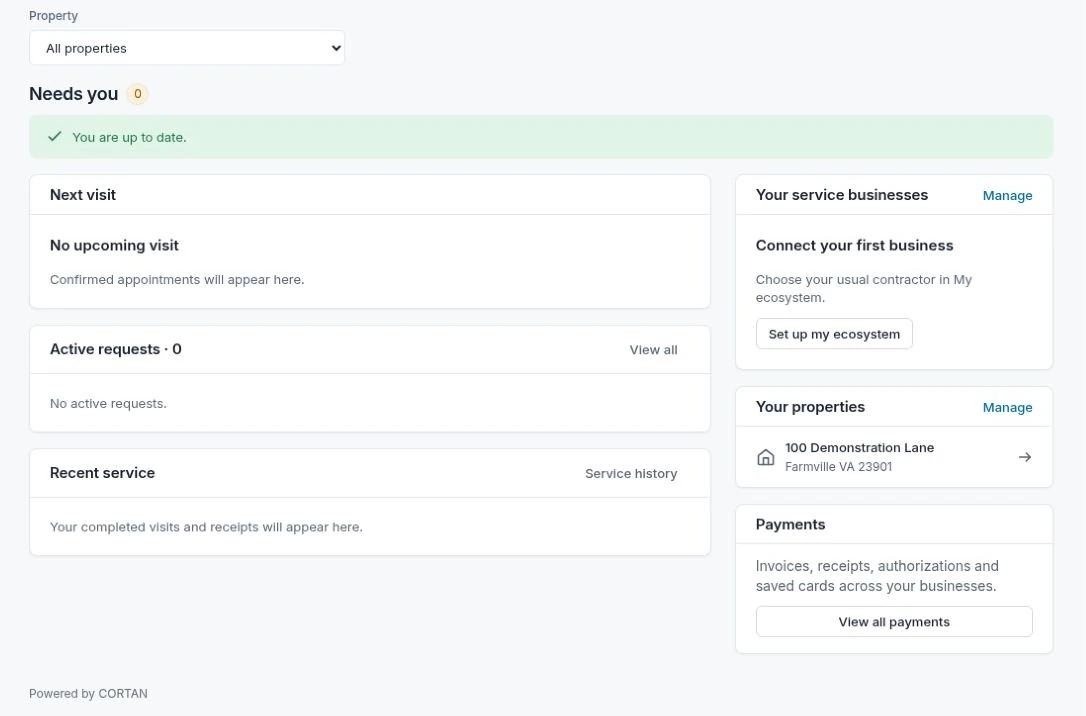
Interested in using CORTAN with your contractor?
Leave your contact details and the business you use. Public customer onboarding is not open yet. For urgent service, contact your contractor directly.